
Wink vs CapCut: Which is Better for Video Editing in 2026?
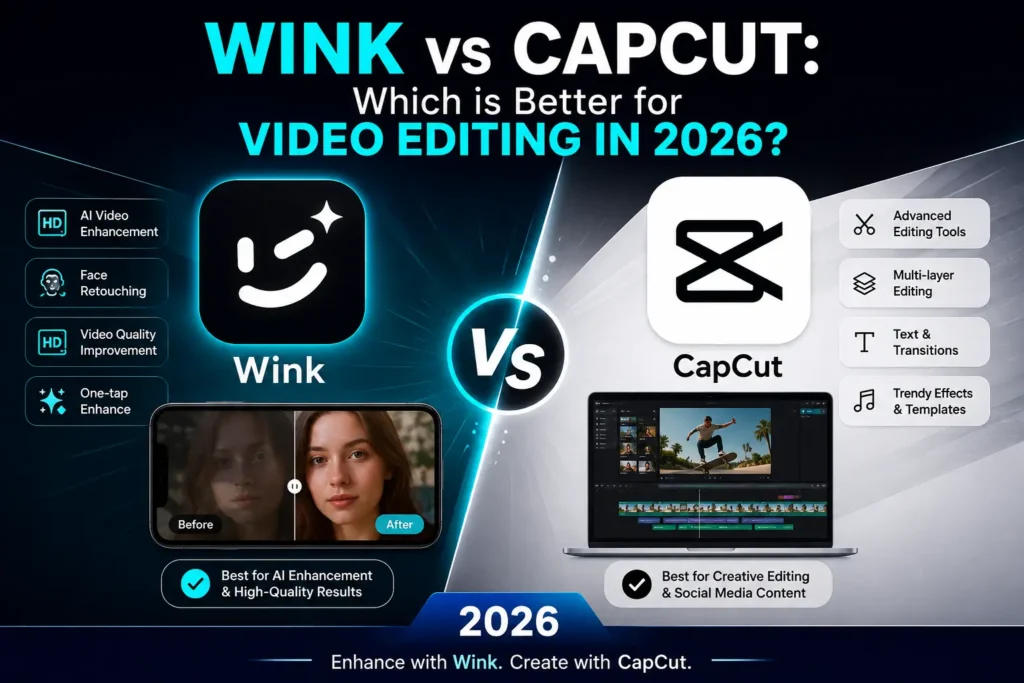
Short-form video content has completely changed how people use the internet. Whether it is a 30-second Instagram Reel or a 60-second YouTube Short, creators need editing tools that are fast, smart, and powerful. Two names that always come up in this conversation are Wink and CapCut.
Both apps are free, both support Android and iOS, and both use artificial intelligence to make editing easier. But they are built for very different types of creators. If you are trying to decide which one deserves space on your phone in 2026, this detailed comparison will help you make the right choice.
What Is Wink App?
Wink is a video enhancement and photo editing application developed by Meitu, a Chinese technology company known for its AI-powered beauty tools. The app is available for Android and iOS and is designed primarily around AI-driven video retouching and facial enhancement.
Unlike most editing apps that focus on adding effects and transitions, Wink focuses on improving what is already in your footage. It can upscale low-resolution video, smooth out skin tones, reduce video noise, remove backgrounds, and apply real-time beauty filters — all through automated AI processes that require minimal manual input.
Wink also supports 4K video export without a watermark, which makes it a strong choice for creators who want professional-looking output without paying for a subscription. The Wink Mod APK version takes this further by unlocking all VIP features completely free, which is why it has gained a large following among Android users.
What Is CapCut?
CapCut is a free video editing application developed by ByteDance, the same company behind TikTok. Originally launched in China as JianYing in 2019, it was rebranded as CapCut for international markets and quickly became one of the most downloaded editing apps in the world.
CapCut is available on Android, iOS, Windows, macOS, and even as a web application — giving it a significant cross-platform advantage. It is especially popular among TikTok and Instagram creators because it integrates trending audio, templates, and effects that are perfectly optimized for short-form content.
The app supports multi-layer editing, keyframe animations, chroma key (green screen), auto-captions, and a large library of transitions and stickers. It is designed to handle everything from basic trimming to complex multi-track edits.
Interface and Ease of Use
When it comes to the editing experience, Wink and CapCut take noticeably different approaches.
Wink offers a clean and minimal interface that is easy to navigate even for first-time users. The layout is straightforward — you import your video, select the tool you need, and the AI does most of the heavy lifting. There are no complicated timelines or layers to manage. This simplicity makes Wink an ideal choice for creators who want fast results without spending time learning the app.
CapCut, by contrast, offers a more layered editing environment that resembles a desktop editing timeline. It supports multiple video and audio tracks, which gives experienced editors far more control. However, this also means there is a steeper learning curve for beginners. New users can still get started quickly using CapCut’s ready-made templates, but mastering all of its features takes time.
Verdict: For beginners and casual creators, Wink is easier to use. For users who want detailed control over their edits, CapCut offers more depth.
AI Features Comparison
Artificial intelligence is where Wink truly shines and where the two apps are most different from each other.
Wink’s AI capabilities include:
- AI Video Repair — automatically enhances blurry or low-quality footage.
- Video Upscaling — converts low-resolution videos to higher quality.
- AI Face Retouching — smooths skin, brightens eyes, and adjusts facial features in video.
- Background Removal — removes video backgrounds without a green screen.
- Noise Reduction — cleans up grainy or pixelated footage.
- AI Beauty Filters — applies real-time aesthetic enhancements to faces.
CapCut’s AI capabilities include:
- Auto Captions — automatically generates subtitles from spoken audio.
- AI Background Removal — removes backgrounds from video clips.
- Smart Cut — detects and removes filler words and silences from speech.
- AI Text-to-Video — generates video clips from written text prompts.
- AI Voice Changer — modifies the speaker’s voice in real time.
Wink’s AI is focused on visual quality enhancement, particularly for faces and video resolution. CapCut’s AI leans toward content creation automation, helping creators produce more content faster with less manual effort.
Verdict: If AI-powered video enhancement and retouching is your priority, Wink leads. If you want AI tools for content production and automation, CapCut has the edge.
Features for Social Media Creators
Both apps are built with social media in mind, but they serve different platform audiences.
Wink is particularly useful for creators who post on Instagram Reels, portrait-style content, or beauty and lifestyle niches. Its facial enhancement tools and clean output make it ideal for selfie-style videos where appearance and video quality matter most. The app also supports photo editing, which gives it additional utility for creators who work across both formats.
CapCut is more deeply integrated with the TikTok ecosystem. Its trending sound library, pre-built templates, and effects are frequently updated to match viral content trends. If your primary goal is to produce high-volume TikTok content quickly, CapCut’s template-based workflow makes that easier than any other app on the market.
For YouTube Shorts, both apps are capable, but CapCut’s multi-track editing and auto-caption feature give it an advantage for educational and talking-head style content.
Video Export Quality
Both Wink and CapCut support 4K video export, and neither app adds a watermark to exported videos by default — which is a significant advantage over many competing editors.
Wink’s AI upscaling feature means that even if your original footage was recorded in low resolution, the exported video can look significantly sharper and cleaner. This is a unique advantage that CapCut does not currently match in terms of pure visual enhancement.
CapCut, on the other hand, offers more control over export settings, including frame rate, resolution, and codec options — which is valuable for creators who need specific technical output for different platforms.
Platform Availability
| Platform | Wink | CapCut |
|---|---|---|
| Android | ✅ | ✅ |
| iOS | ✅ | ✅ |
| Windows / PC | Via Emulator | ✅ Native App |
| macOS | Via Emulator | ✅ Native App |
| Web Browser | ❌ | ✅ |
CapCut has a clear advantage in platform availability. It works natively on desktop operating systems and in web browsers, which makes it a more versatile option for creators who edit on multiple devices. Wink is primarily a mobile-first app, though it can be used on PC through an Android emulator.
Pricing and Free Features
Wink offers a free version with access to most core features. Premium VIP features such as advanced AI repair and certain filter packs require a subscription. The Wink Mod APK provides access to all VIP features for free on Android devices, which is one of the main reasons it remains highly popular in 2026.
CapCut is entirely free to use across all platforms. There is a CapCut Pro subscription that unlocks certain premium effects and templates, but the free version is already quite generous and capable of producing professional-quality content.
Wink vs CapCut: Side-by-Side Summary
| Feature | Wink | CapCut |
|---|---|---|
| AI Video Enhancement | ✅ Advanced | ✅ Basic |
| Face Retouching | ✅ Yes | ❌ No |
| Multi-Layer Editing | ❌ No | ✅ Yes |
| Keyframe Animation | ❌ No | ✅ Yes |
| Green Screen | ✅ Yes | ✅ Yes |
| Auto Captions | ❌ No | ✅ Yes |
| Photo Editing | ✅ Yes | ❌ No |
| 4K Export | ✅ Yes | ✅ Yes |
| Watermark-Free | ✅ Yes | ✅ Yes |
| Desktop Version | ❌ No | ✅ Yes |
| Free to Use | ✅ Yes | ✅ Yes |
Which App Should You Choose in 2026?
The answer depends entirely on what kind of content you create.
Choose Wink if:
- You create beauty, lifestyle, or portrait-style video content.
- You want to enhance the visual quality of existing footage.
- You edit mostly on Android and want premium AI features without a subscription.
- You also edit photos alongside videos and want a single app for both.
Choose CapCut if:
- You create TikTok content and want trending templates and effects.
- You need multi-layer editing, keyframes, or green screen for complex projects.
- You work across mobile and desktop and need one tool for all devices.
- You produce talking-head or educational content and need auto-captions.
Use Both if: Many creators actually benefit from using both apps together. Wink handles the visual enhancement — improving quality, fixing faces, cleaning up footage — and CapCut handles the storytelling — adding captions, music, transitions, and effects. This combination gives you the best of both worlds without any cost.
Frequently Asked Questions
FAQs
Wink is better than CapCut when it comes to AI-powered video enhancement, facial retouching, and improving low-quality footage. If you create portrait videos, beauty content, or Instagram Reels and want cleaner, polished visuals with minimal effort, Wink offers stronger AI enhancement tools.
CapCut is better for creative storytelling, transitions, text overlays, multi-layer editing, and TikTok-style templates. It also supports desktop and web editing, which Wink currently does not.
In simple words: Wink makes videos look better, while CapCut makes videos feel more creative. Many creators use both together.
Yes, Wink Mod APK includes all the same core features as the original Wink app, but unlocks premium VIP tools for free.
Features like advanced AI repair, high-resolution enhancement, and premium beauty filters normally require a paid subscription in the official version. The Mod APK removes those restrictions.
The editing interface and export quality remain the same, although Mod APK users must manually update the app.
CapCut is generally the better option for TikTok creators because it integrates trending templates, effects, captions, and music designed specifically for TikTok content.
Wink is still extremely useful for improving raw footage quality before editing inside CapCut.
Many creators first enhance videos in Wink, then move them into CapCut for final effects and publishing.
CapCut has official desktop apps for Windows and macOS and also works in web browsers.
Wink currently has no official PC version, but it can run through Android emulators like BlueStacks or LDPlayer.
If desktop editing is important for your workflow, CapCut has the advantage.
Wink is easier for complete beginners because most editing tasks are AI-powered and automatic.
CapCut also supports beginners but includes more advanced editing tools like layers, timelines, and keyframes that may feel overwhelming initially.
Start with Wink for simplicity and move to CapCut for advanced creative editing.
Both Wink and CapCut generally allow watermark-free exports for standard editing features.
Wink Mod APK ensures premium exports remain watermark-free without subscriptions.
CapCut may show branding only on certain premium templates, but standard exports are usually clean and professional.
Final Verdict
Wink and CapCut are both excellent tools, but they are not direct competitors in the traditional sense. Wink excels at making your footage look better, while CapCut excels at making your content more creative and engaging. The better app in 2026 is the one that matches your specific workflow and content style.
If you are an Android user who wants powerful AI enhancement tools without paying for subscriptions, downloading Wink Mod APK is a smart move. If you need a full-featured editing suite that works across every device and platform, CapCut remains one of the best free options available today. Both apps are free, both are powerful, and both are worth having on your phone.